Skip to content

API Keys

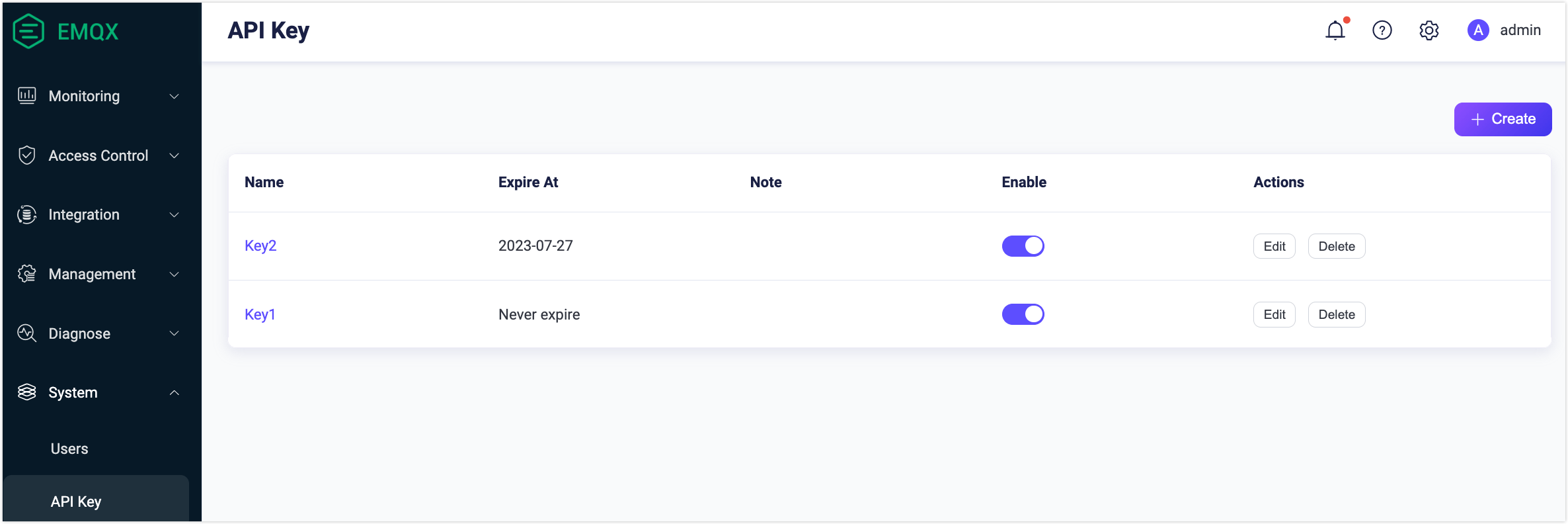
On the API Keys page in the EMQX Dashboard, you can generate API keys and secret keys for authenticating HTTP API requests.

Create an API Key

  1. Navigate to System -> API Key in the Dashboard.

  2. Click the + Create button in the top-right corner to open the Create API Key dialog.

  3. Configure the API key details:

    • Leave the Expire At field empty if you want the key to never expire.
    • Optionally select a role for the API key (EMQX Enterprise only). For details on available roles, see Roles and Permissions.
  4. Click Confirm. The API key and secret key are displayed in the Created Successfully dialog.

    Important Notice

    Save the API Key and Secret Key in a safe place immediately. The Secret Key will not be shown again after you close this dialog.

  5. Click Close to dismiss the dialog.

image

Manage API Keys

After creating an API key, you can manage it from the API Keys page:

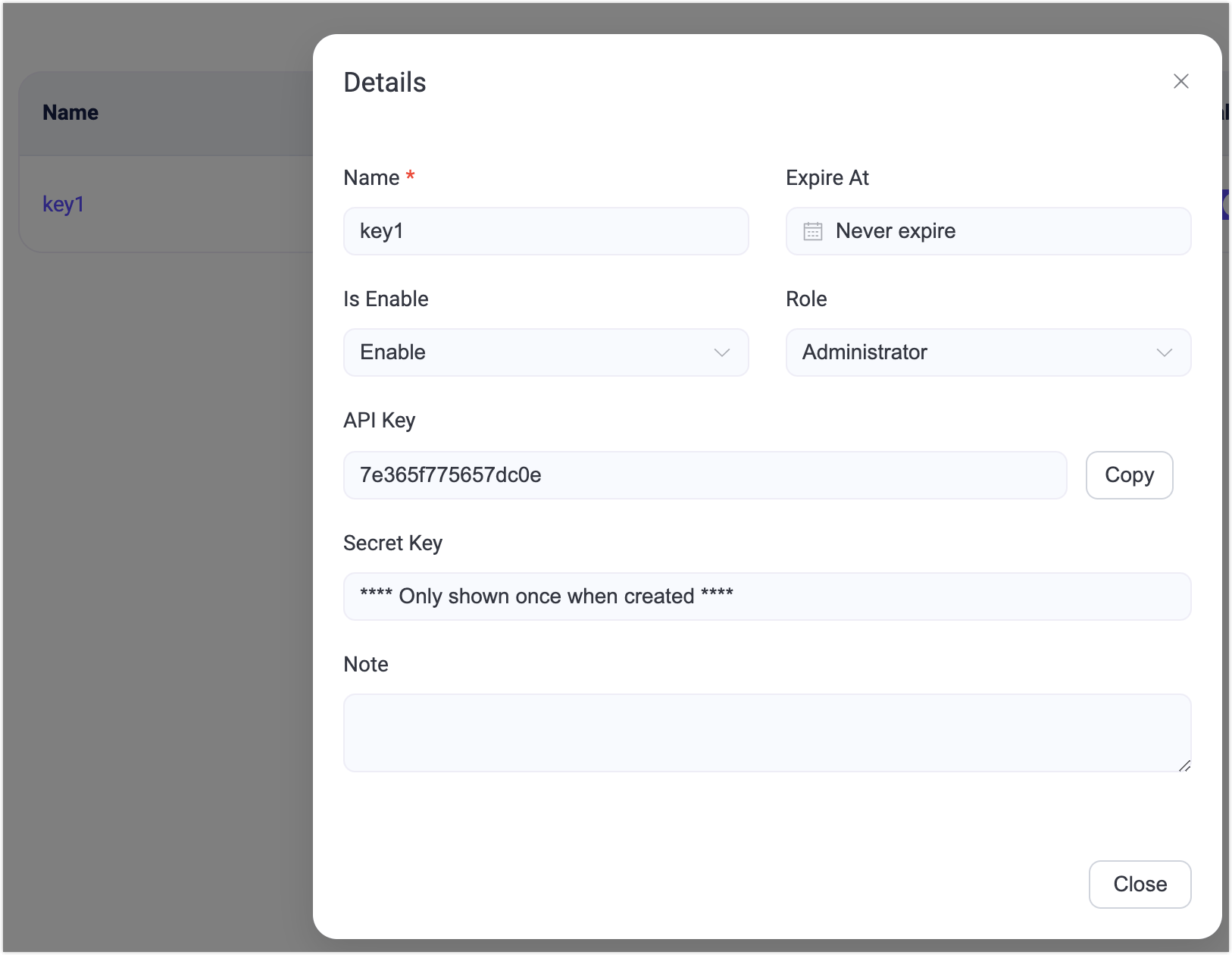
  • View details: Click the key name in the Name column.
  • Edit: Click the Edit button in the Actions column to reset the expiration time, change the enabled status, or update the note.
  • Delete: Click the Delete button in the Actions column to remove an API key that is no longer needed.
image