Install EMQX Edge on Linux
This page guides you through the installation of EMQX Edge on a Linux system. You can install EMQX Edge using one of the following methods:
- Install via Script: The quickest way to get started. A single
curlcommand downloads and installs the latest EMQX Edge release automatically. - Install via Package: Download and extract the package manually for full control over the version and placement.
Install via Script
The install script automatically detects your system architecture, downloads the latest EMQX Edge release, verifies its checksum, and installs it to /opt/emqx-edge.
Run the following command:
curl -fsSL emqx.sh/edge | bashOnce the installation is complete, start EMQX Edge:
source /etc/profile.d/emqx-edge.sh && emqx-edge startNote: This script only works on Linux. It requires
curl,unzip,grep, andawkto be installed, and needssudoaccess to write to/opt/emqx-edgeand/etc/profile.d/.
Install a Specific Version
To install a specific version, set the EMQX_VERSION environment variable:
curl -fsSL emqx.sh/edge | EMQX_VERSION=<version> bashCustomize the Installation Directory
To change the installation directory, set the INSTALL_DIR environment variable:
curl -fsSL emqx.sh/edge | INSTALL_DIR=/custom/path bashInstall via Package
Visit the EMQX Edge download page to obtain the appropriate Linux package for your system architecture.
Installation Example (arm64)
The following steps demonstrate how to install EMQX Edge on an arm64 device. Replace <version> with the version you downloaded.
Extract the package:
bashunzip ./emqx-edge-<version>-linux-arm64.zipNavigate to the extracted directory, and start EMQX Edge:
bash./emqx-edge start
Access the EMQX Edge Dashboard
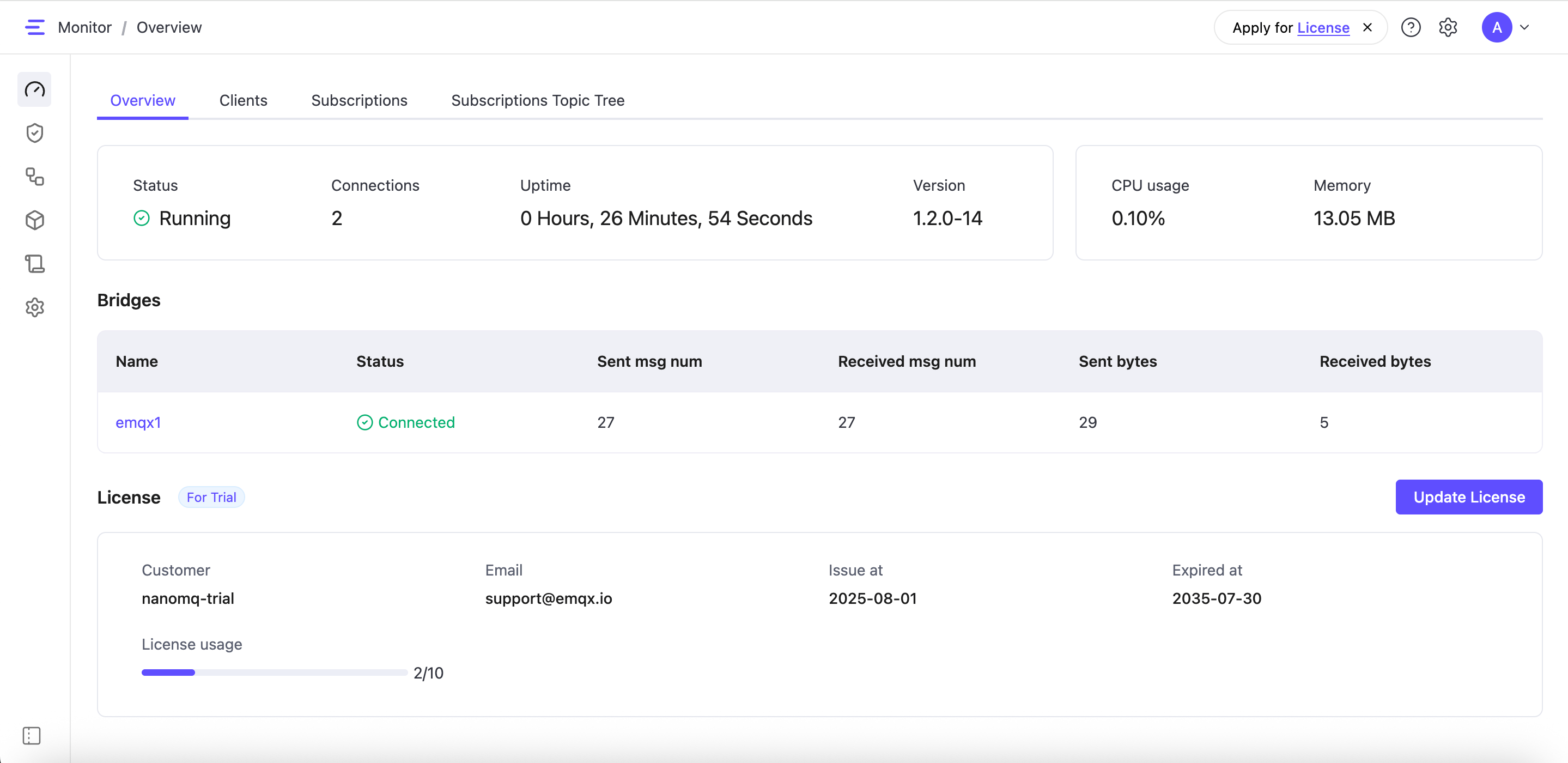
EMQX Edge includes a built-in web-based Dashboard that allows you to monitor system status, manage configurations, and configure required features.
- Open a web browser and visit
http://localhost:8081(localhostcan be substituted with your IP address). - Log in to the EMQX Edge Dashboard with default credentials:
- Username:
admin - Password:
public
- Username: