Vision Configuration
The vision model is used for camera images, screenshots, and multimodal input analysis. You can skip it for a basic device-control quick start.
Console Configuration
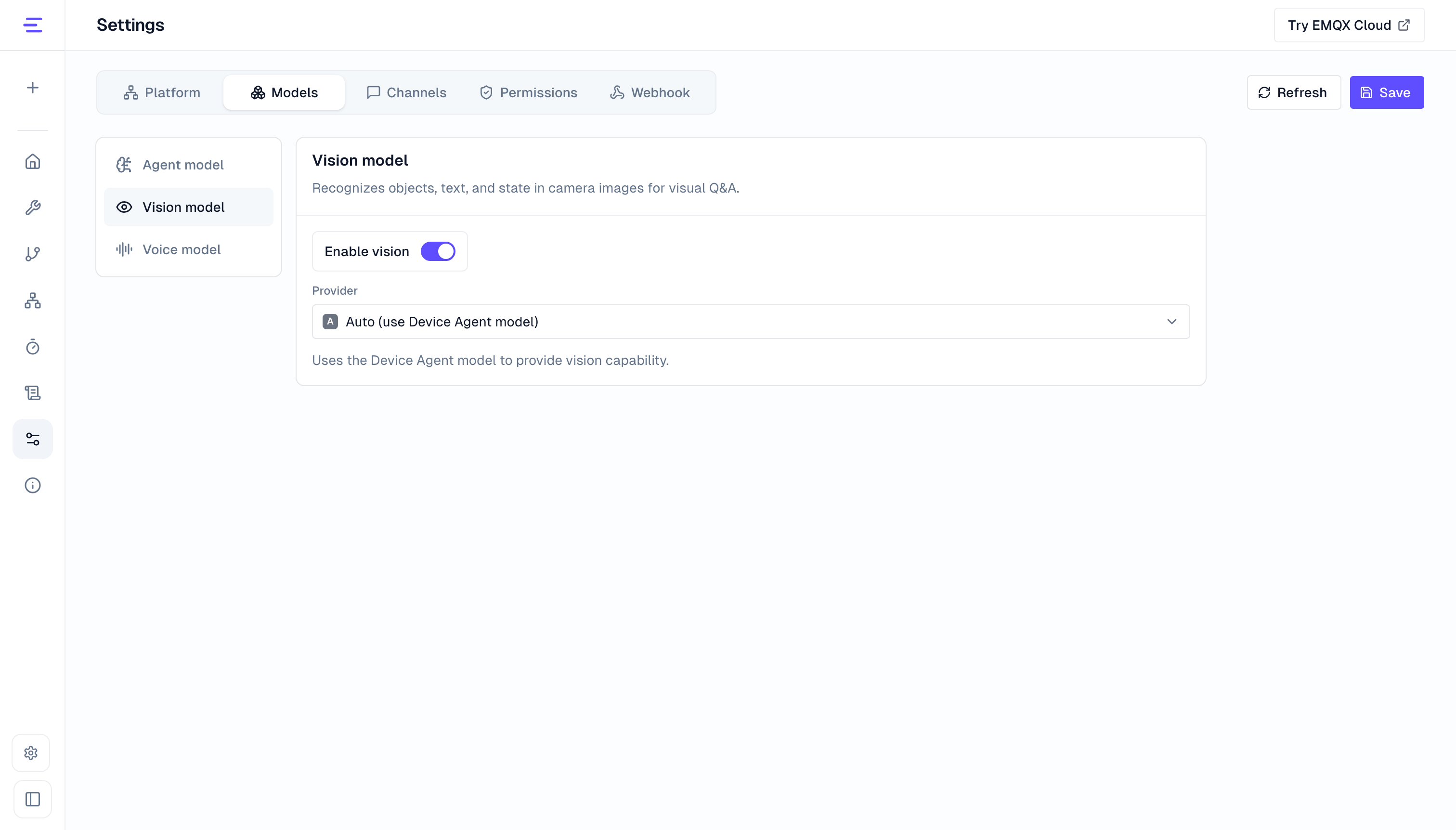
Go to Settings → Models → Vision model, turn on Enable vision, and choose a provider. Local installations can edit these settings. Platform deployments provide read-only access; contact the deployment administrator to change them.
- Auto (use Device Agent model): uses the agent model's image recognition capability and API configuration. No separate vision model or API key is needed. The current agent model must support image input.
- DashScope: uses a separately configured Qwen vision model, API key, and timeout for image recognition. Conversations and device operations continue to use the original agent model. Choose this when the agent model does not support images, or when vision needs its own model configuration.
Environment Variables
| Mode | Configuration |
|---|---|
| Auto (default) | VISION_PROVIDER=auto |
| DashScope | VISION_PROVIDER=dashscope, VISION_MODEL=qwen3-vl-plus, qwen3-vl-flash, qwen-vl-plus, or qwen-vl-max, VISION_API_KEY=... |
See Apply Behavior for configuration changes, and Camera and Vision for camera use and image uploads.