Deployment and Configuration
The Device Agent platform supports production deployment in your own environment. Contact us to agree on a deployment plan, obtain release images and an operations runbook, and arrange acceptance checks. Use the delivered console URL for daily access.
Prepare for Deployment
Provide the expected device count, peak request volume, voice and vision requirements, and existing IoT platform. Account for model provider quotas, data retention, and maintenance windows when planning initial resources and future expansion.
| Requirement | What to confirm |
|---|---|
| Runtime environment | Dedicated Linux servers or an existing Kubernetes environment, with compute, storage, and synchronized clocks. A single-host deployment depends on that host's availability. |
| Data storage | Business data capacity, retention, and backup and recovery requirements. |
| Network and access | Console domain, HTTPS certificates, and production login entry point; runtime services and databases remain private. |
| Device access | Selected IoT platform, MQTT broker, network reachability, and credentials. |
| AI services | Access, keys, and provider quotas for the model, voice, or vision services you enable. |
| Operations | Metric collection and Prometheus access, log retention, backup storage, deployment administrator, and maintenance contacts. |
Agree on scaling and availability plans with the delivery team, taking business continuity, network access, and external service quotas into account.
Receive the Deployment and Verify Access
- Confirm the delivered version, console URL, workspace, configuration inventory, and operations runbook.
- The administrator deploys and completes acceptance checks from the runbook before opening production access.
- Open the console URL and sign in using the configured authentication method. Check that the workspace's Device Agents, devices, and settings belong to the intended deployment.
- Check MQTT connectivity and Monitoring. Use an already authorized business device to verify a read-only query, a model response, and any enabled voice or IM channel.
Production login and access control follow the agreed deployment plan. Administrators confirm user access before opening the corresponding workspace.
Configuration Entry Points
Open Settings in the workspace. The platform uses shared service configuration. Model, vision, MQTT, and regular platform parameters are read-only; voice, channels, and tool permissions expose supported editing options. Provider login or binding controls can also authorize an IoT platform connection. Console Settings lists the entries, editable fields, and credential handling.
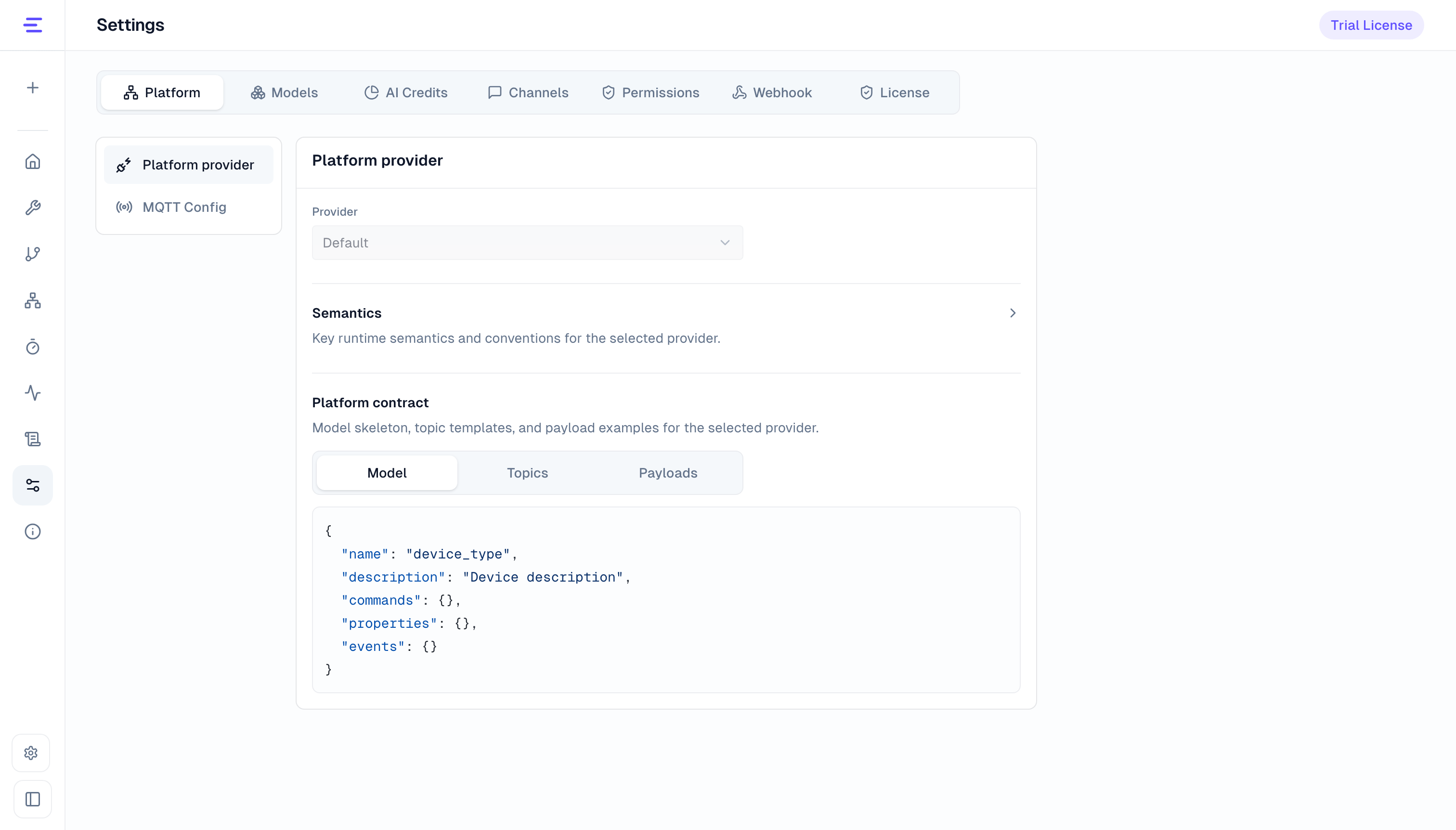
Manage Webhooks, Device AI Credits, and the platform license in their respective entries. Tool permissions control Agent tools; the production entry point manages user login and access control.
Configuration Scope and Activation
Save editable settings in their console pages. Deployment administrators maintain read-only settings through the delivered runbook.
Service settings apply to the current platform deployment. Configuration overview on a Device Agent card manages that Agent's settings. Check the scope before saving. If another person has updated the configuration, refresh, review the current values, and reapply your change.
After saving, follow the page notice to confirm activation. Administrators arrange any required restart or maintenance. Check connection status afterward and verify with a new conversation, voice session, or notification request.
Manage Credentials
Deployment administrators maintain model keys, MQTT passwords, voice and IM credentials through protected deployment configuration. The console primarily shows their configuration status. Some IoT platform login or binding flows save returned connection credentials; update these through that platform's binding flow.
Deployment administrators arrange credential updates and verification through the delivered runbook and notify affected users. After an update, check connection status and the corresponding model, voice, or notification function.
See Operations for scaling, backup, recovery, and upgrades.