Conversations and Memory
Device Agents use the current conversation and saved long-term memory to understand requests. Conversations carry the current discussion forward. Memory keeps stable preferences and facts. Live device state still comes from the latest device or IoT platform data.
Continue a conversation and view history
Open the workspace to continue asking about the current device. Earlier messages load on demand when you scroll up.
Tool results and execution details explain how a request completed. To verify a device action, check current data, events, and the execution result. Temperature and online state in history describe that moment in time.
Ask the Agent to remember a preference
Explicitly ask to save information, for example:
Remember: when reporting a device alert, explain its cause before suggesting what to do.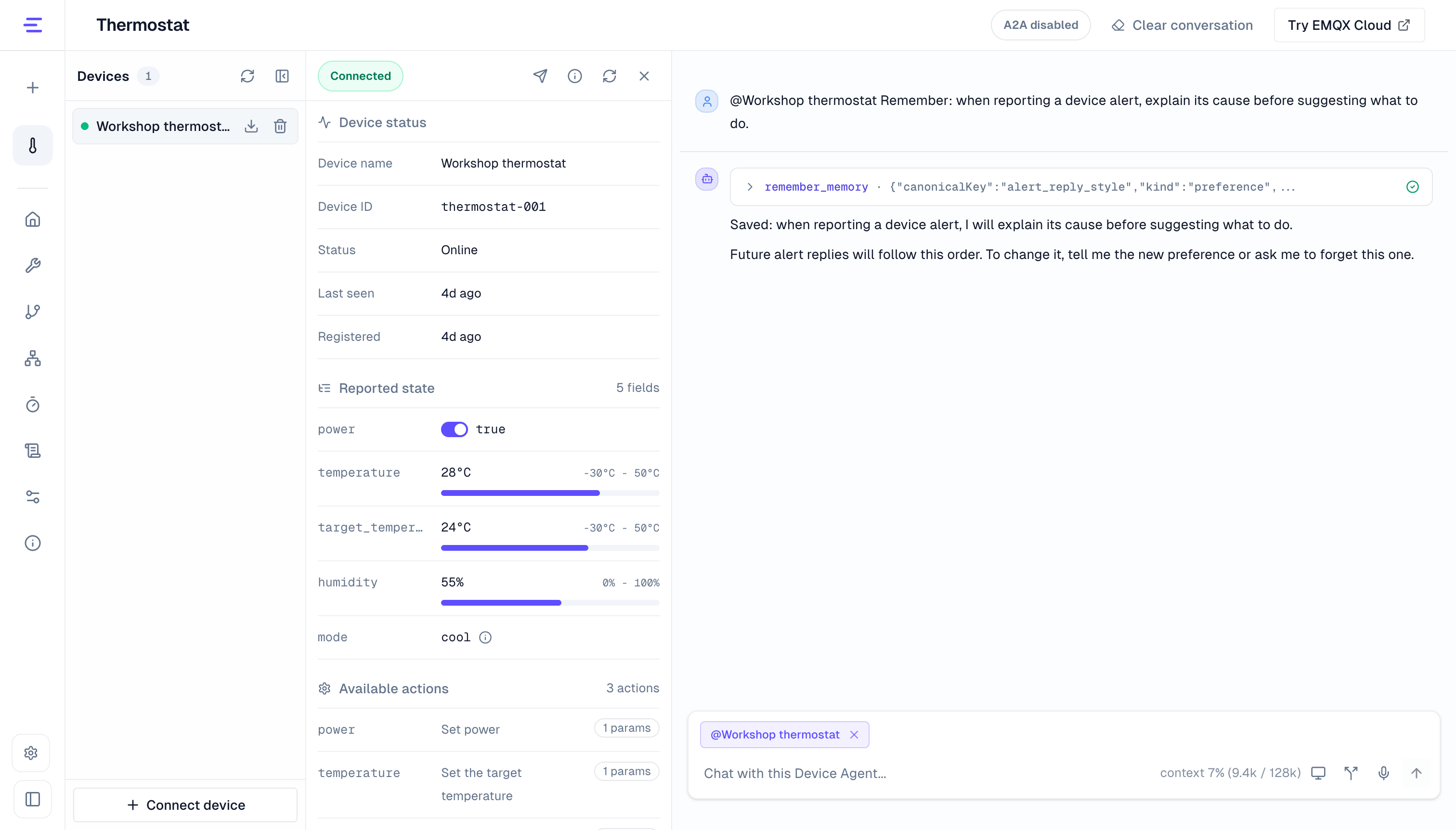
After a successful save, later conversations can use the preference. Ask to inspect or remove it:
What preferences have you remembered about me?Forget my earlier preference about how to report device alerts.Memory suits stable response preferences, habits, and confirmed facts. A save or deletion is complete only when the tool reports success.
Up to 100 active memories can be saved. At the limit, forget an unneeded memory before saving a new one.
Memory scope
Long-term memory is currently shared across devices and sessions in a deployment. Switching devices or conversations does not automatically create separate memory for each person. Multiple users may therefore share the same preferences and facts; confirm that this fits the business requirements.
If voice tools are restricted, include the relevant memory tools to save, inspect, or forget memories through voice. See Voice Tools.
Context and automatic compaction
Context is the conversation content the model currently uses to answer. Its capacity depends on the model. In long conversations, the system compacts earlier content to make room for later requests. Context usage and compaction indicators show this process.
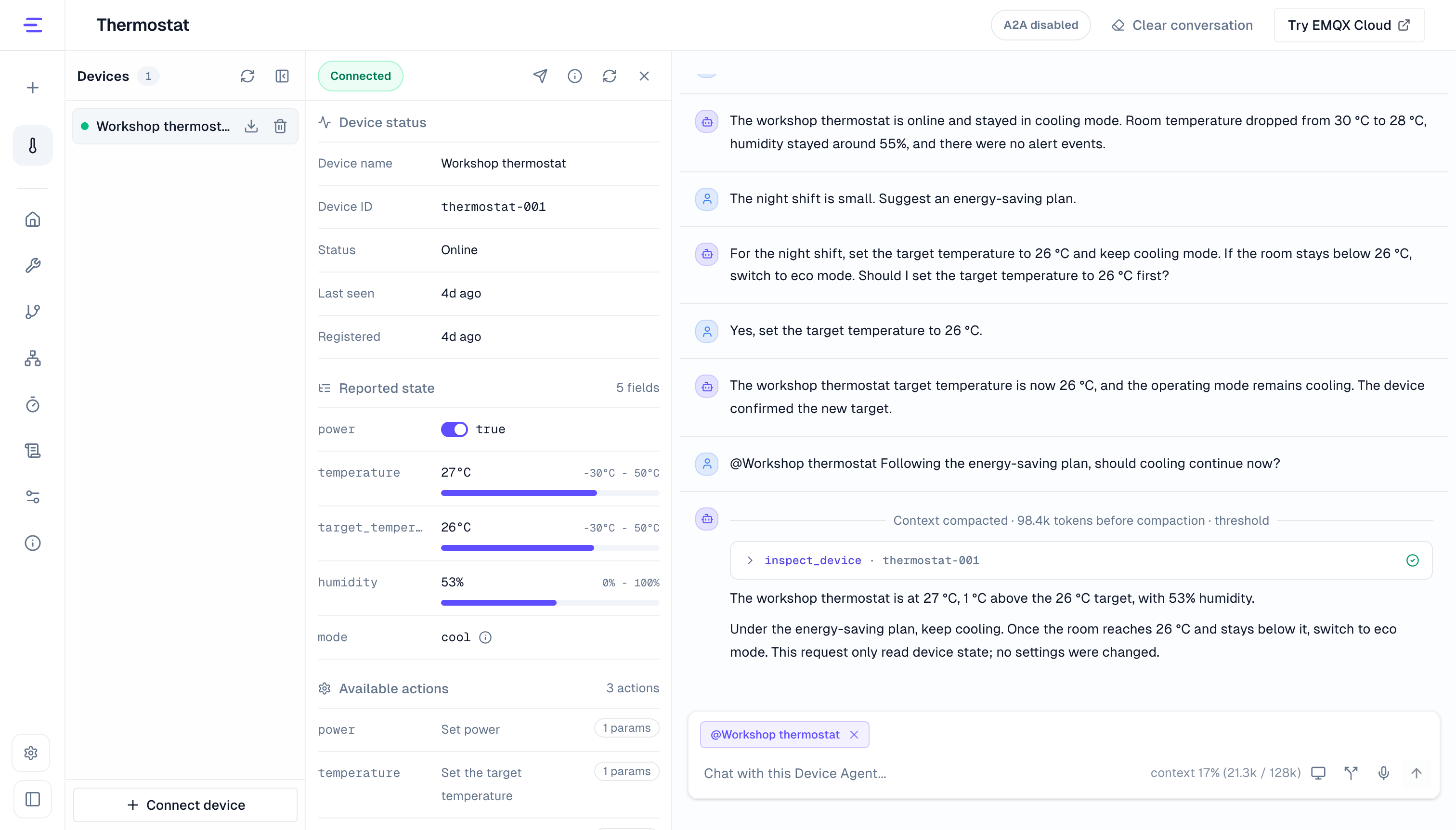
After compaction, answers mainly use recent content and a summary. The Agent may not reproduce all history word for word. Restate parameters, constraints, and task requirements when precision matters. Explicitly ask to remember preferences that should persist.
Clear a conversation
Choose Clear Conversation and confirm to restart the current session. The system archives previous messages, but the current interface has no archive restoration entry. If a request is processing, stop it and wait for completion before clearing.
Clearing does not delete memory, devices, workflows, or scheduled tasks. Ask explicitly to forget a memory. Cancel or disable automation from its corresponding page.
Use a phone
Mobile conversations support the same history, memory, and context compaction features. For target selection and state inspection, see Use a Device Agent. To adjust the Agent, open Configuration Overview, which defaults to list view on phones.