Configure a Custom Domain
EMQX Cloud allows you to configure a custom domain for your deployment so MQTT clients can connect through a domain you own. This is useful when you want to provide a stable, branded endpoint and let EMQX Cloud manage the TLS/SSL certificate for that domain.
Note
This feature is available only for EMQX v5 Dedicated and v5 Dedicated Flex deployments. It is not supported for trial deployments, Serverless, or v4 deployments.
Before You Start
Make sure the following requirements are met:
- Your deployment is EMQX v5 Dedicated or v5 Dedicated Flex, and is not a trial deployment.
- You own a domain and can manage its DNS records.
- The domain must be a subdomain, such as
mqtt.example.com.
Note
Wildcard domains such as *.example.com are not supported.
TIP
If you have strict compliance requirements around certificate issuance or renewal, consider uploading your own certificate instead of using a managed certificate.
Configure the Custom Domain
Log in to the EMQX Cloud console and navigate to the target deployment's overview page.
In the MQTT Connection Information section, click Custom Domain.
In the Domain step, enter the custom domain that MQTT clients will use to connect.
Example:
textmqtt.example.com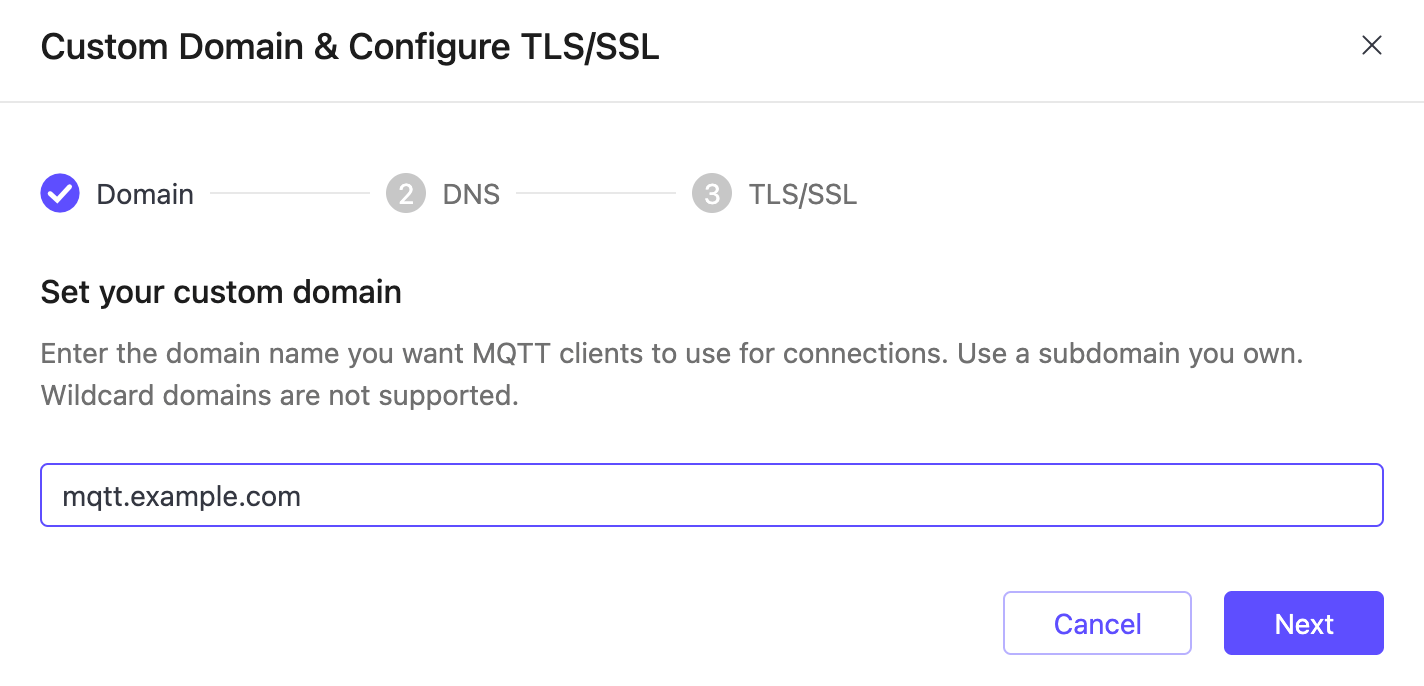
Click Next to go to the DNS step. Add the CNAME record shown in the console at your DNS provider so the custom domain points to the deployment's default endpoint.
Example (replace the target hostname with the one shown in your console):
textmqtt.example.com CNAME h72937f5.ala.dedicated.aws.example.com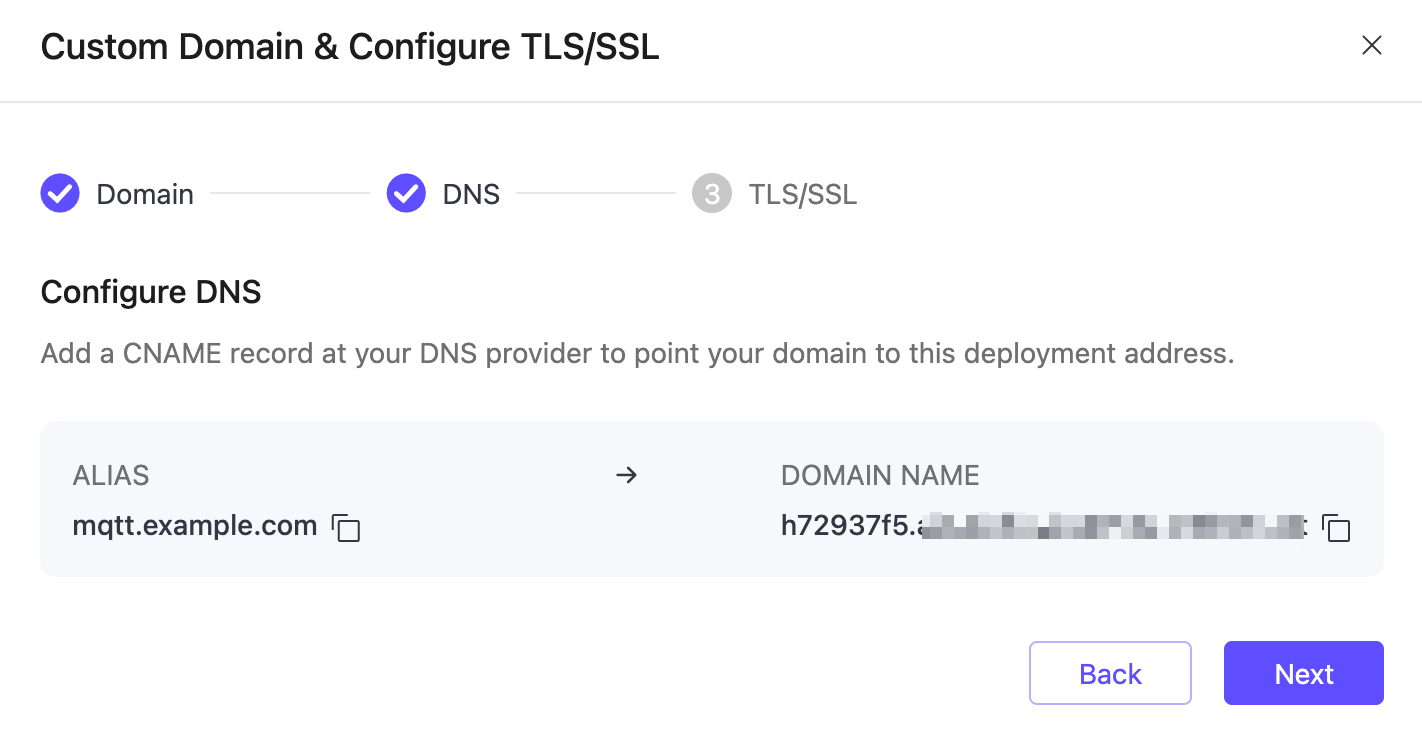
After the DNS record is added, click Next to go to the TLS/SSL step, select Managed by EMQX Cloud, and let EMQX Cloud issue and renew a Let's Encrypt certificate for the custom domain.
By default, the managed certificate is set to auto-renew. If needed, you can later turn off auto-renewal from TLS/SSL Config by clicking Disable Auto-Renewal.
::: caution After auto-renewal is disabled, it cannot be re-enabled. You must replace the certificate manually before it expires. :::
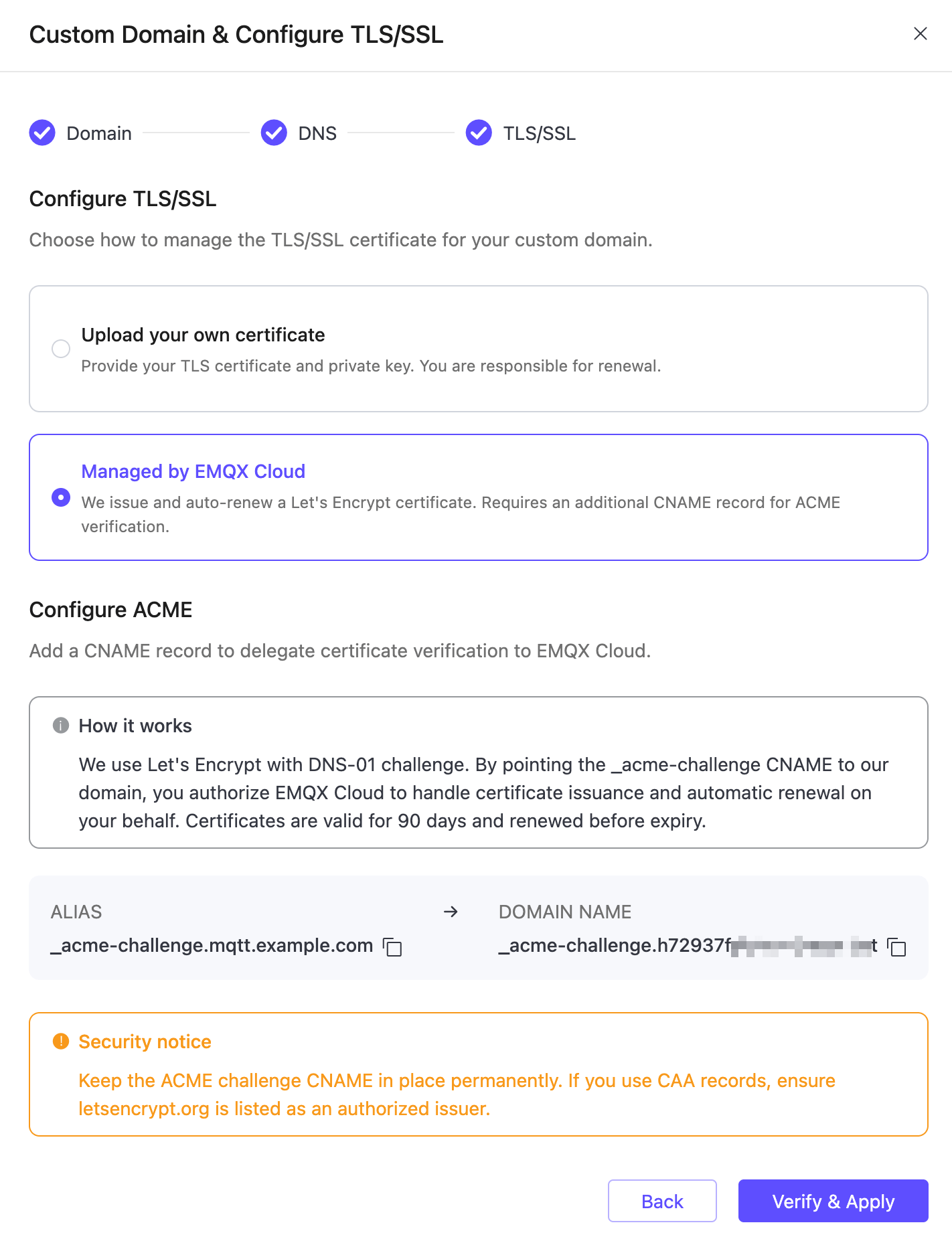
Add the ACME validation CNAME record shown in the console at your DNS provider.
Example:
text_acme-challenge.mqtt.example.com CNAME _acme-challenge.h72937f5.ala.dedicated.aws.example.com::: caution Keep the
_acme-challengeCNAME record in place permanently. Removing it may cause certificate renewal to fail.If your domain uses CAA records, make sure
letsencrypt.orgis listed as an authorized issuer. :::After the DNS and TLS/SSL configuration is ready, click Verify & Apply.
Verify the Configuration
After the configuration is applied, verify it with the following checks:
Return to the deployment overview page and confirm the custom domain is shown in the connection information.
Verify the DNS record from your local environment. On Linux and macOS, use
dig:bashdig mqtt.example.com CNAMEOn Windows, use
nslookup:bashnslookup mqtt.example.comVerify that the issued TLS/SSL certificate matches the custom domain.
bashopenssl s_client -connect mqtt.example.com:8883 -servername mqtt.example.comTest the connection with MQTTX or another MQTT client using the custom domain and the appropriate port for your protocol:
- MQTT over TCP:
1883 - MQTT over TLS/SSL:
8883 - WebSocket:
8083 - WebSocket over TLS/SSL:
8084
- MQTT over TCP:
Troubleshooting
The deployment type or plan is not supported.
This feature is only available for non-trial v5 Dedicated and v5 Dedicated Flex deployments. Verify your deployment type in the console.
The configured domain is not a subdomain you control.
You must own the domain and be able to add DNS records for it. Wildcard domains are not supported.
The DNS record is the wrong type.
Use the exact CNAME record shown in the console. A records or other record types will not work.
DNS propagation is still in progress.
Wait 5–10 minutes after adding a record and try again. Use
digor an online DNS checker to confirm propagation.The ACME CNAME record is missing or removed after setup.
The
_acme-challengeCNAME record must remain in place permanently for certificate auto-renewal to work. Re-add it if it was removed.CAA records block certificate issuance.
If your domain uses CAA records, add
letsencrypt.orgas an authorized issuer.