Action Execution Failed Alert
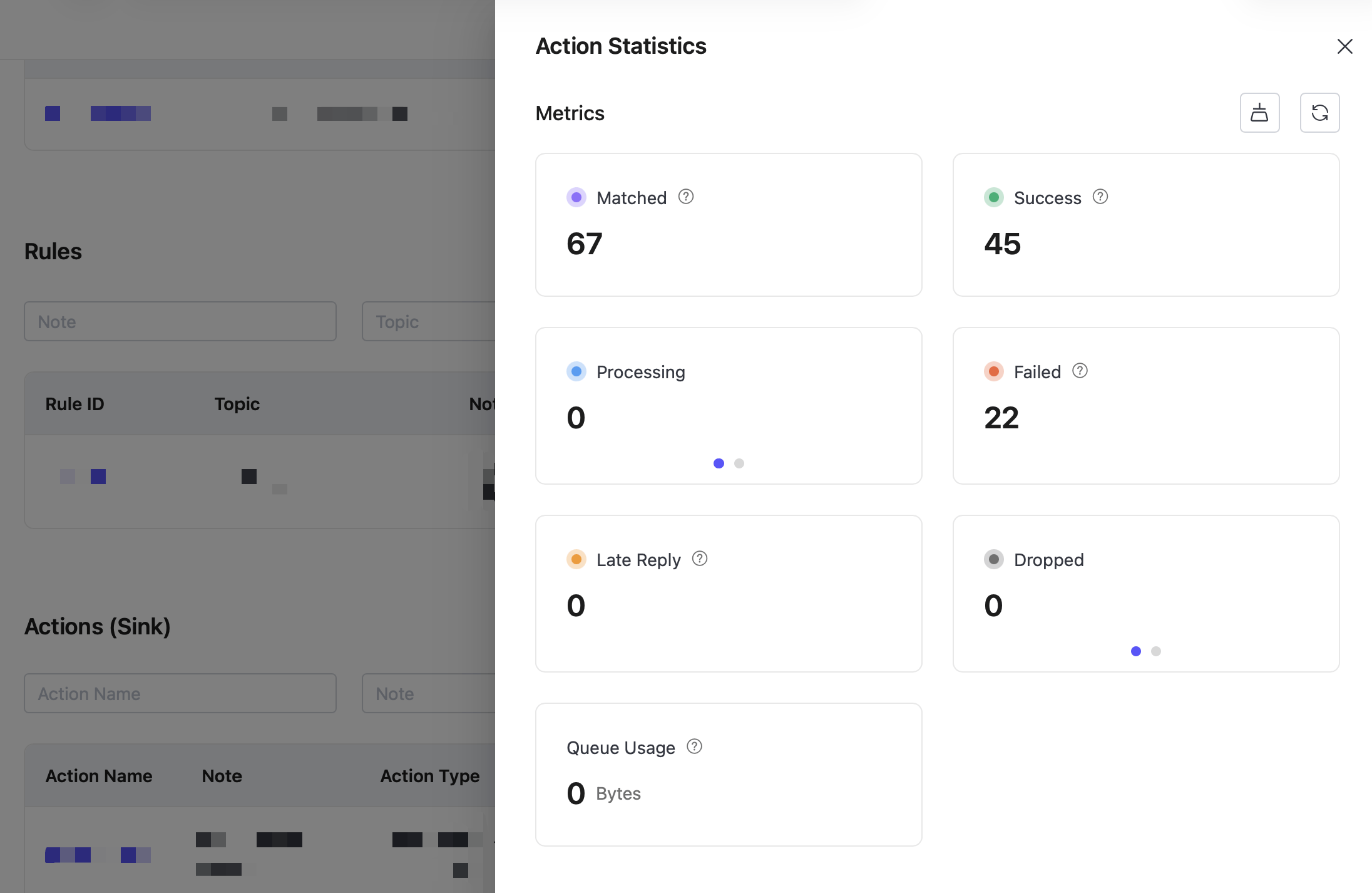
The Action Execution Failed alert indicates that the number of failed data integration action executions in a deployment has exceeded the configured threshold within the past 30 minutes.
This usually means that a message passed through the rule engine, but the action could not write the data to the external system. Common causes include data that does not meet the target system's requirements, uniqueness conflicts, and connection failures.
Missing Data or Field Type Mismatch
Symptom
An action can fail if a message is missing a required field or if a field type does not match the target system's schema.
Errors such as error missing_field or invalid_text_representation in Deployment Logs usually indicate a missing field or type mismatch.
Common Causes
- The message payload is missing a field required by the target system.
- A field type does not match the target definition, for example, a string is written to a numeric field.
- The timestamp precision in the message, such as seconds, milliseconds, or nanoseconds, does not match the target system's requirements.
Resolution
- Make sure the message payload contains every required field and uses the field types expected by the target system.
- Provide defaults for optional fields, or add type conversion and error handling to the rule SQL or rule logic.
- Use the timestamp precision required by the target system.
Data Uniqueness Conflict
Symptom
When an action writes to a database, a value that conflicts with an existing primary key or unique constraint causes the action to fail.
Errors such as unique_violation or duplicate key value violates unique constraint in Deployment Logs usually indicate a uniqueness conflict.
Common Causes
- The same record is written more than once.
- Upstream rule logic or message retries execute the action repeatedly.
- Timestamp precision is too low to distinguish records covered by a unique constraint.
Resolution
- Check upstream rule logic and retry behavior to prevent duplicate writes.
- Select a field or combination of fields that reliably identifies each record as the primary key or unique constraint.
- If duplicate records are valid for the use case, evaluate whether to remove or relax the unique constraint.
External Service Unavailable or Connection Failed
Symptom
If the target system is unreachable or its connection fails, the action cannot write data to the external service.
Errors such as unrecoverable_error, timeout, or producer_is_still_disconnected_after_retry in Deployment Logs may indicate this condition.
Common Causes
- The target service is unavailable or unhealthy.
- Network latency, interruption, or connection timeout.
- The target system is overloaded and refuses connections or times out.
- The configured account lacks the required permissions, or its credentials are incorrect, for example, for GCP Pub/Sub.
Resolution
- Verify that the target address and port are correct and that the service is running.
- Check network connectivity between EMQX and the target system.
- Monitor the target system's load and provide enough resources for the expected concurrency.
- Make sure the account or credentials have permission to perform the required operation.
Troubleshooting
Log in to the EMQX Cloud Console.
Open Deployment Logs and set Error Type to Data Integration. Error details vary by database or external service, so interpret them in the context of the target system.
Error messages usually identify the affected database table or target resource and include the cause. Use this information to locate the corresponding rule and output action. If the log entry is unclear, submit a support ticket for assistance.
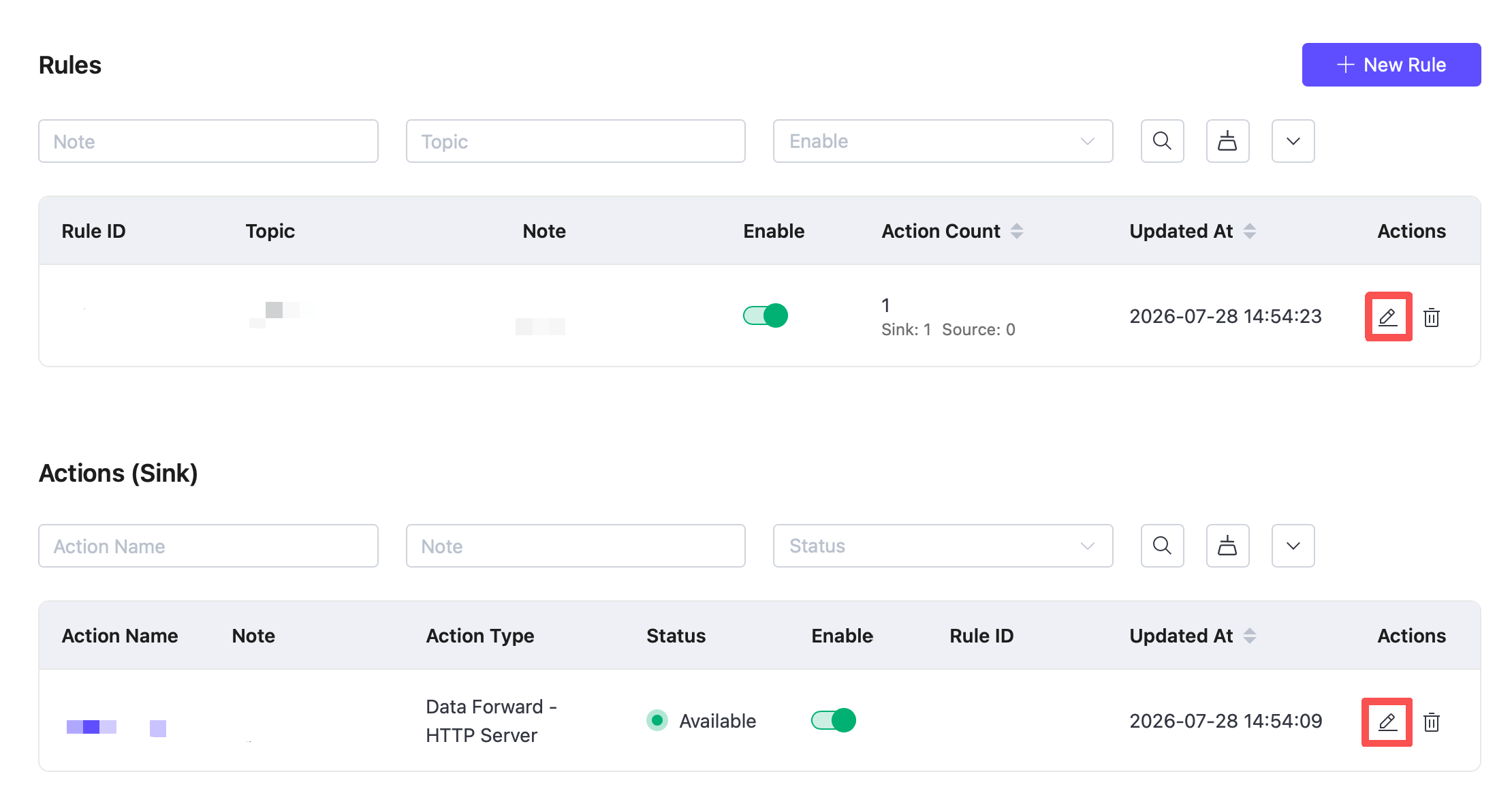
To update a rule or action, go to Data Integration -> Rule List or Output Action List, locate the item, and click Edit.
Monitoring and Statistics
On the Data Integration page in the EMQX Cloud Console, view the success and failure counts for an output action to monitor its execution.