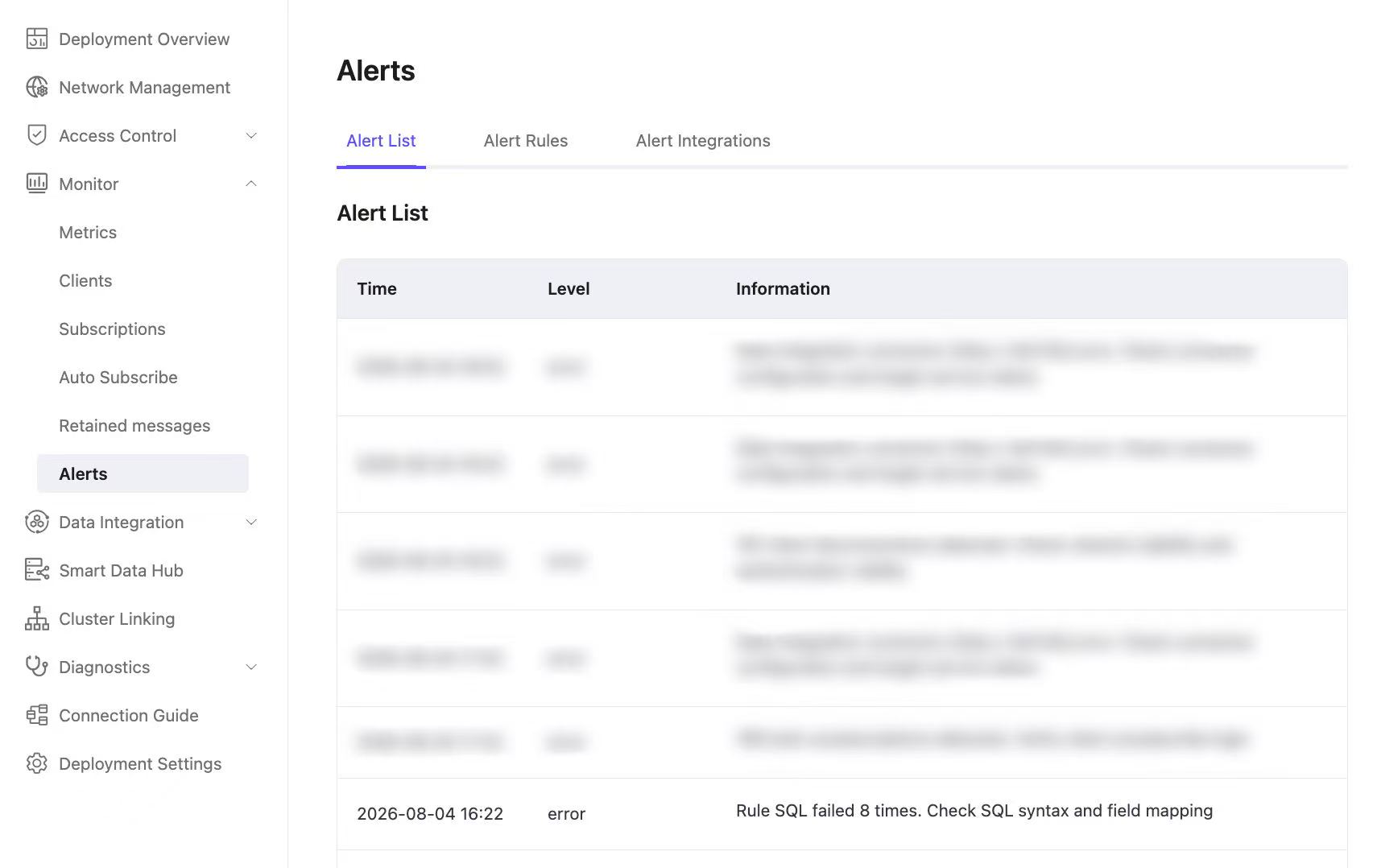
SQL Matching Failed Alert
The SQL Matching Failed alert indicates that the number of failed data integration rule executions in a deployment has exceeded the configured threshold within the past 30 minutes.
This usually means that a message entered the rule engine, but an error occurred during SQL matching or processing. Common causes include an unexpected payload format or encoding and functions or expressions that do not match the actual data structure.
Unexpected Payload Format or Encoding
Symptom
Rule SQL fails while parsing or accessing fields because the message payload is not valid JSON, is truncated or corrupted, or does not use UTF-8 encoding.
Errors such as invalid_json or decode_json_failed in Deployment Logs usually indicate this condition.
Common Causes
- Invalid JSON syntax, such as single quotation marks instead of double quotation marks or a trailing comma.
- A timestamp value that is not represented as a JSON string when required.
- A payload that was truncated or corrupted in transit.
- A payload that does not use UTF-8 encoding.
Resolution
- Make sure clients send complete, valid payloads encoded in UTF-8.
- Subscribe an MQTT client to the topic selected by the rule, capture the original payload, and compare it with the expected format.
Function or Expression Type or Structure Mismatch
Symptom
A function or jq expression in the rule SQL does not match the type or structure of a field in the actual payload, causing the rule execution to fail.
Errors such as function_clause, jq_exception, or jq error in Deployment Logs usually indicate this condition.
Common Causes
- The rule SQL assumes a field type that differs from the actual payload.
- A jq expression path does not match the actual JSON structure.
- A function or expression operates directly on a null or missing field.
Resolution
- Compare the actual payload structure and field types with the rule SQL, then update the SQL accordingly.
- Make sure each field type is compatible with the function or expression that uses it.
- Add guards such as
is_not_null()to SQL or jq expressions before operating on optional fields.
Troubleshooting
Log in to the EMQX Cloud Console.
Open Deployment Logs and set Error Type to Data Integration.
Errors such as
invalid_jsonordecode_json_failedusually indicate an unexpected payload format or encoding. For example:textclientid: XXXXX, reason: {error,{decode_json_failed,...}}Errors such as
function_clause,jq_exception, orjq errorusually indicate a function or expression type or structure mismatch. For example:textWHERE clause exception for rule: XXXXX failed: {error,function_clause,...}
Record the
rule_idand error details from the log entry.Go to Data Integration -> Rule List, locate the rule by
rule_id, and click Edit to update its SQL or related settings.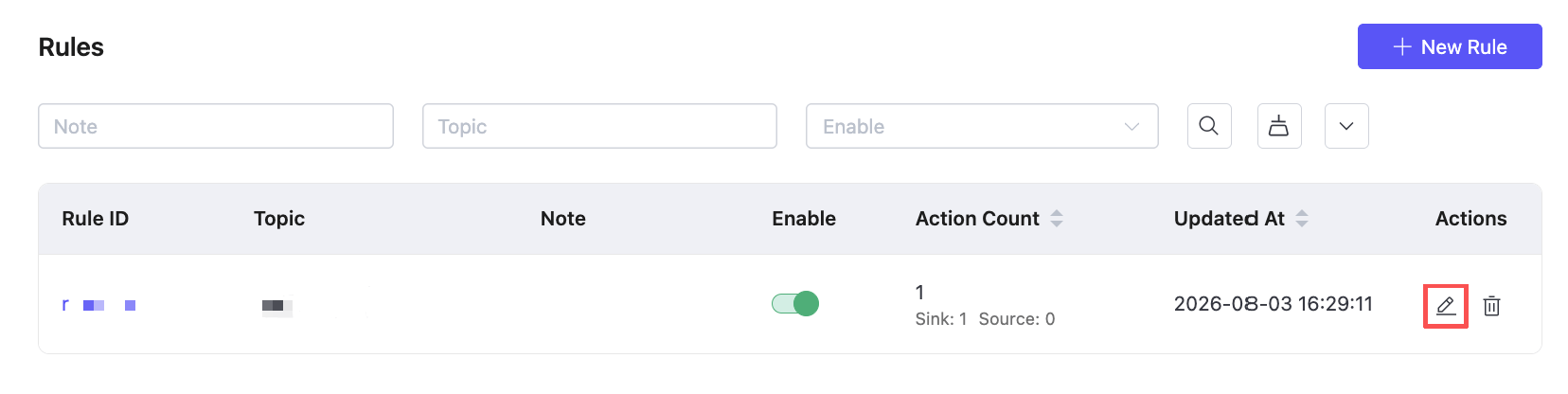
Monitoring and Statistics
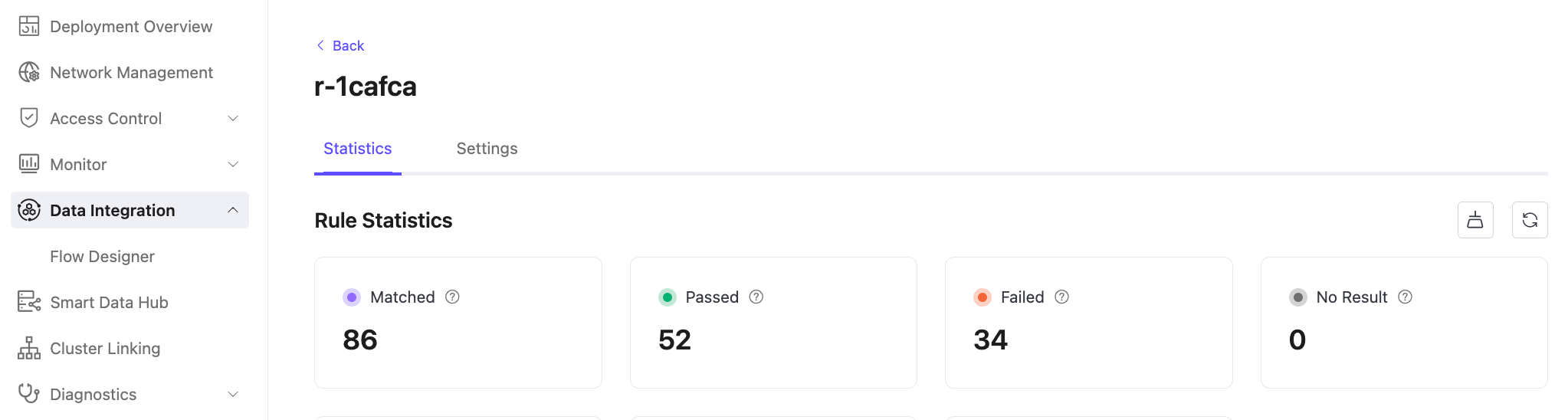
On the Data Integration page, view the success and failure counts for an individual rule to monitor its SQL execution.
Go to Alerts -> Alert List to review SQL Matching Failed alert records and their frequency.